No FAQs available to show for this product. Please refer to our FAQ page for more.
No FAQs available to show for this product. Please refer to our FAQ page for more.
Does the ClimateBoss integrate with a light sensor?
Yes! Customers can add on a light sensor to the ClimateBoss or EasyWire (with a ClimateBoss) in order to advance their growing. Headgrower users can also track and save this data for monitoring and analytics. More information can be found on this YouTube video .
Do you have help / how to videos online for the ClimateBoss?
How do I connect my 'Boss (ClimateBoss, TimeBoss or WeatherBoss) controller to Headgrower?
You can follow along with this video or use this manual.
Who are your resellers for a ClimateBoss?
You can find a list of our greenhouse distributors here. Please check with us if you do not see a greenhouse manufacturer or distributor you're working with listed.
Can you control a shade or energy curtain with the ClimateBoss?
Yes! You can control your shade or energy curtain with the Timer 1 output - in Shade mode. See more on this YouTube video.
What equipment can I control with a ClimateBoss?
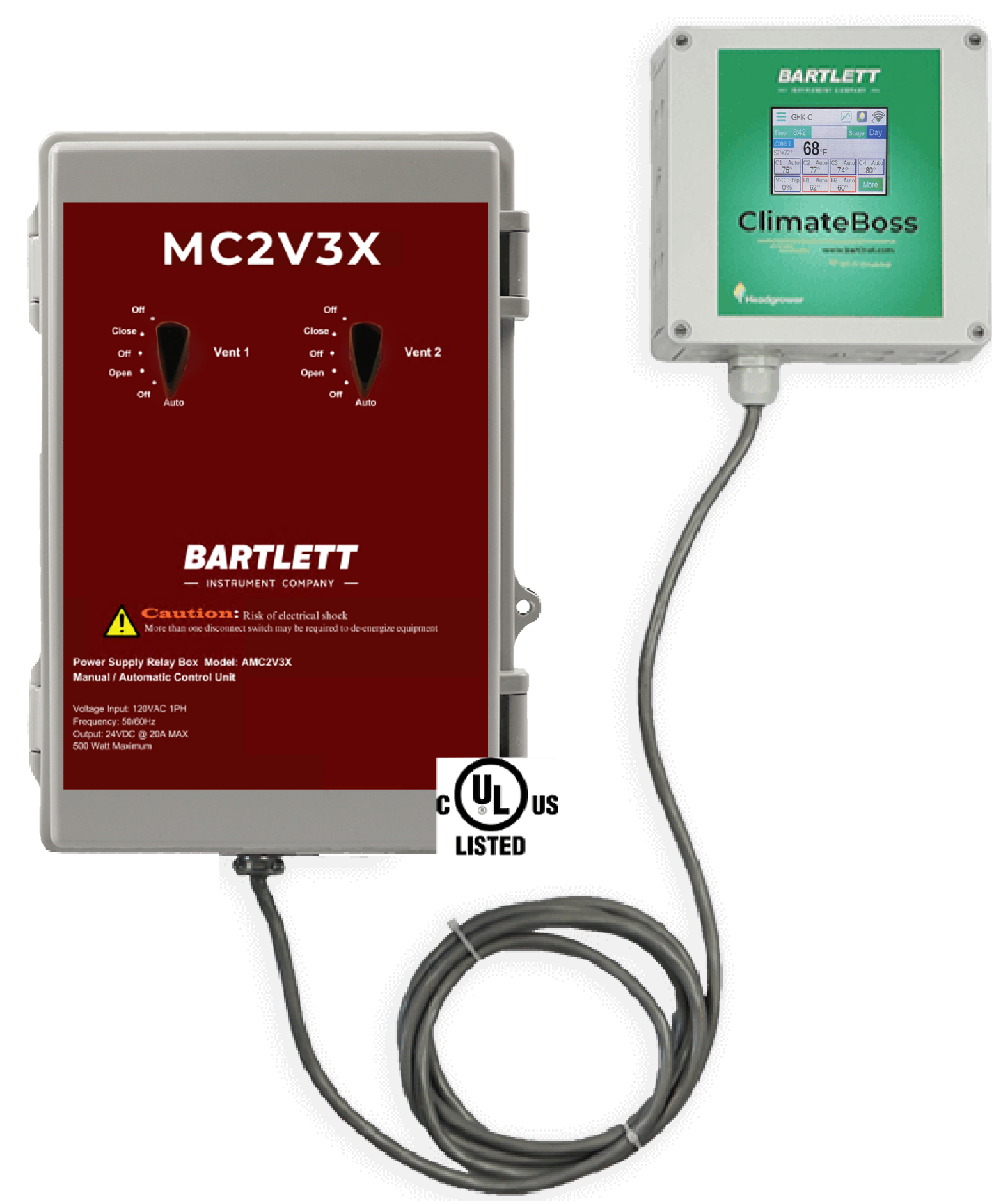
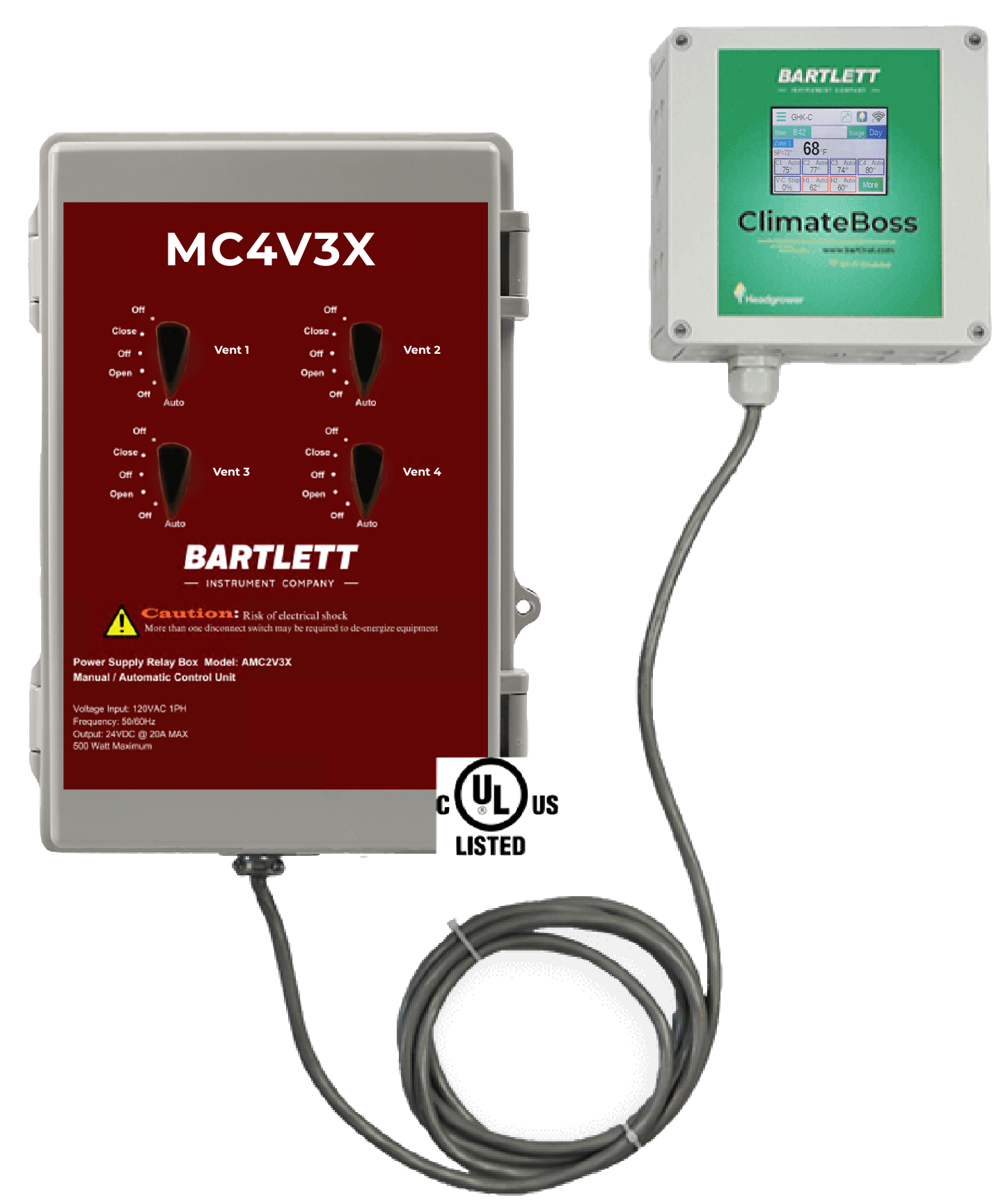
The ClimateBoss has two main configurations - the GHK and the RWL. The GHK allows for a combination of mechanical and natural ventilation, while the RWL is all natural ventilation.
All ClimateBoss controllers have:
Simple, Touchscreen Interface WiFi Connectivity Headgrower Compatible Data: Run times, statistics and 24 hr. graph 24 hour clock and memory with battery back-up 3 Stages for Programming (DIF, Day, Night) 2 Stages of Heating (open/closed contacts or source 24 VAC) Optional third Heat (e.g. bench, floor) Automatic or manual settings for each Cool, Heat, or Vent output Dehumidification Cycle 2 Timer Outputs for Shade, Lights or Misting The RWL model has:
4 Proportional Outputs - Open & Close (e.g. vents or side walls) HAF fan control The GHK model has:
4 Cool (source 24 VAC) 2 Proportional Outputs - Open & Close (e.g. vents or side walls) 2 HAF relay outputs (source 24 VAC) How do I ensure my vents open to the correct position? They aren't (a) stopping when I think they should or (b) aren't opening to the right percentage.
There are several steps to getting vent (roof or side wall) programming correct. You can click here for a video on how to program vents.
In addition to programming steps, we sometimes see customers having problems because they have not set the motor limit. We rely on this to stop the motor travel at 99%. Our control output will be constant on at 99% and we continue to send the open signal to the vent control relay. You can check the output is sending this signal by opening the climateboss controller and look at the LED indicator light for that Vent output. For guidance on setting the motor limit, please contact the manufacturer of the motor.
Can I have my shade curtain only open partially?
No, the shade curtain does not operate in a proportional method and it is fully open or fully closed. We do have a setting called Shade Back Off that allows the controller to retract to a fixed 85% open when vents A or C are active to allow greater airflow. That setting is default to disabled, but can be manually enabled at the controller.