You can adjust the alarm settings on your controller before or during a firing to alert you at various temperatures. If you need to know when the kiln reaches its top temperature or different temperatures throughout the firing, you can adjust it accordingly.
>> When the alarm temperature is reached, a buzzer will sound but will have no effect on the firing itself.
Example: If you'd like to know when the kiln reaches 1000 degrees so you can check its contents, this can be done pretty easily. Just set the alarm for 1000 degrees and it will sound once that temperature has been reached.
Then, if you'd like another alarm to sound at 1800 degrees, just reset the alarm to the new temperature and you're good to go!
** To turn the alarm off: Simply type in 9999 and the alarm will be shut off. **

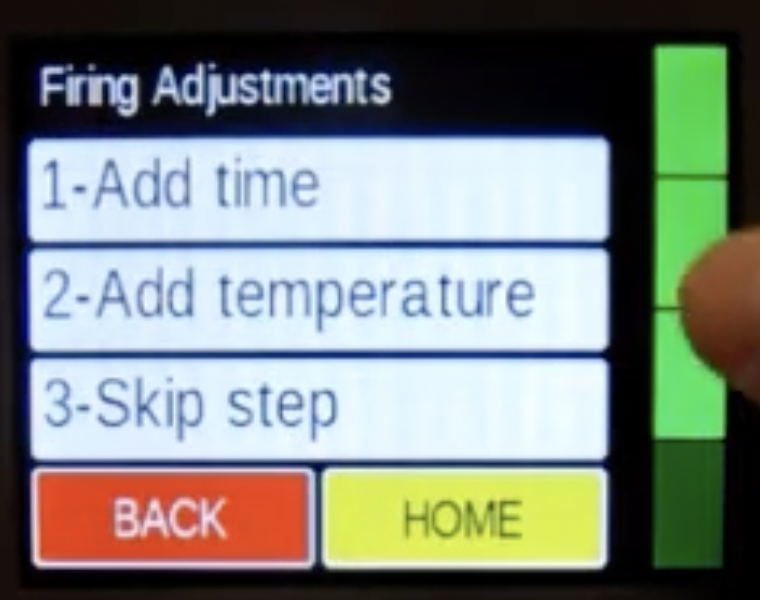
Setting the alarm with the Genesis controller:
- From Idle press the Menu button, then Adjustments
- Then, press the Alarm Temp. button
- Type in the desired alarm temperature
- Press the Save button, then Home to return to the Idle screen
During a firing: Press the Adj. button, then follow the steps above starting from step 2.

Setting the alarm with the V6-CF controller:
- Press the Alarm button and the controller will alternate the word ALRM with the last entered alarm temperature
- Type in the new desired temperature
- Press the Enter button and the controller will return back to the current temperature
Example: To set an alarm for 1000 degrees, type 1, 0, 0, 0
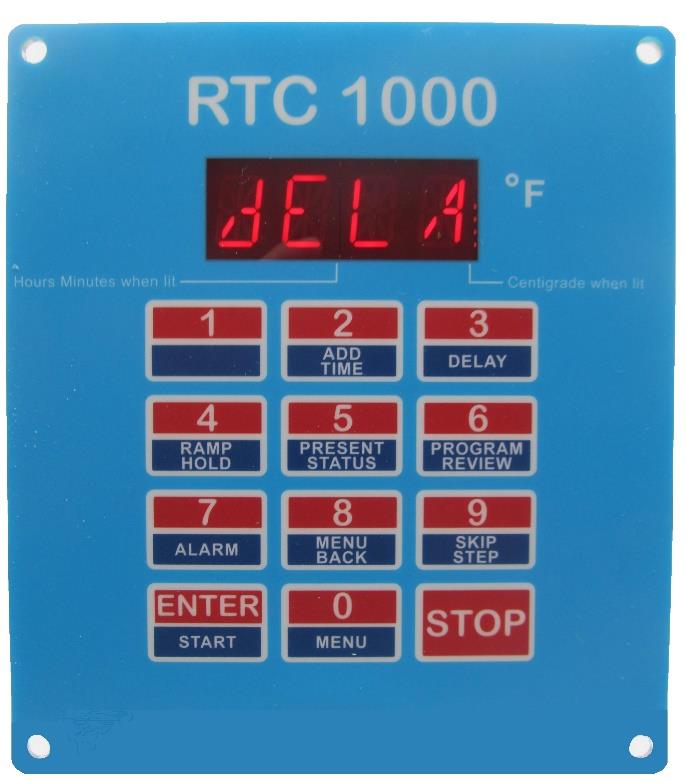
Setting the alarm with the RTC1000 controller:
- Press the Enter/Start button
- Press the 7/Alarm button and the controller will alternate the word ALRM with the last entered alarm temperature
- Type in the new desired temperature
- Press the Enter button and the controller will return back to the current temperature